Margo keeps the record spoiler-free
Arkham Campaign and Scenario Case Log
A private, browser-saved campaign checklist for ownership, table readiness, scenario completion, trauma notes, and the one thing the group must remember next session.
 MargoThe Archivist
 Answer first
What this tool solves before the table opens.
A private, browser-saved campaign checklist for ownership, table readiness, scenario completion, trauma notes, and the one thing the group must remember next session.
Close the case cleanly Record resolution, earned XP, trauma, weaknesses, and the next scenario before packing the table.
A restorable case log with XP, trauma, chaos-bag state, and the next setup action
Fantasy Flight: official campaign logs and player resources remains the current authority.
Do this now · about two minutes
End a session with enough saved state that nobody has to reconstruct XP, trauma, the chaos bag, or the next setup a week later.
Start the tool- 1
Name the campaign, scenario, and investigators.
- 2
Record only the state that must survive packing.
- 3
Check the closeout ritual and save the case log in this browser.
You will leave with
A private, persistent campaign record you can reopen, copy, print, or download as a plain-text backup.Show me an example
After a scenario: record 5 unspent XP, one mental trauma, the chaos-token change, and “build the next encounter deck” as the first action next session.
Your live case log
Record what the next session needs. Nothing else.
Fill the first row before play. Fill the state and closeout fields before the box closes. Every change saves only in this browser.
Your case library
Saved sessions you can reopen, print, or back up.
0 saved cases. Nothing leaves this device unless you export it.
No sessions saved yet. Finish a scenario, name the campaign and scenario, then choose “Save session to case library.”
Need more precision?
Start simple. Add detail only when the table needs it.
The tool above already gives a usable answer. These modes add campaign, serious-table, or expert checks without erasing your work.
Fast, legal, playable
Close the case cleanly
Record resolution, earned XP, trauma, weaknesses, and the next scenario before packing the table.
- Complete the official campaign log
- Photograph final deck states
- Write the next setup task
Ready when
The next session can begin without reconstructing trauma, XP, deck versions, campaign log choices, or unresolved rules from memory.What this tool assumes
This case log supplements the official campaign log. Story choices and hidden information belong in the publisher log first.Margo's table briefing
The tool has a point of view. The rules still get the final word.
“Memory is atmosphere. Campaign state belongs in ink.”
Margo is the fictional cabinet voice presenting this desk. Robert Pruitt owns the research, source review, and editorial judgment; the linked publisher material remains authoritative.

Physical table kit
The exact products this desk is talking about.
Real product photographs and exact retailer pages from the related Puzzlewick buying guides. Products are optional unless the tool explicitly identifies a required foundation.
Puzzlewick may earn from qualifying purchases, including as an Amazon Associate, at no extra cost to you. Prices and availability change at checkout.
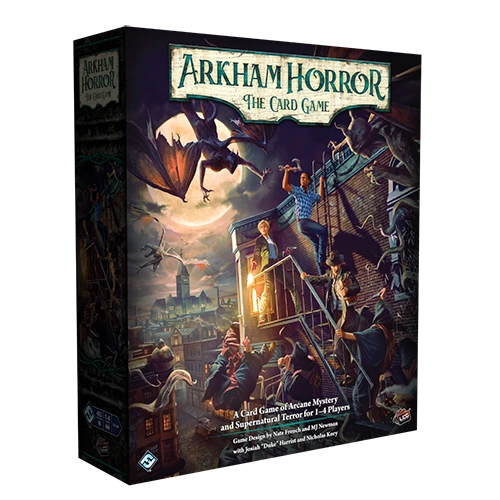 01 · Direct product
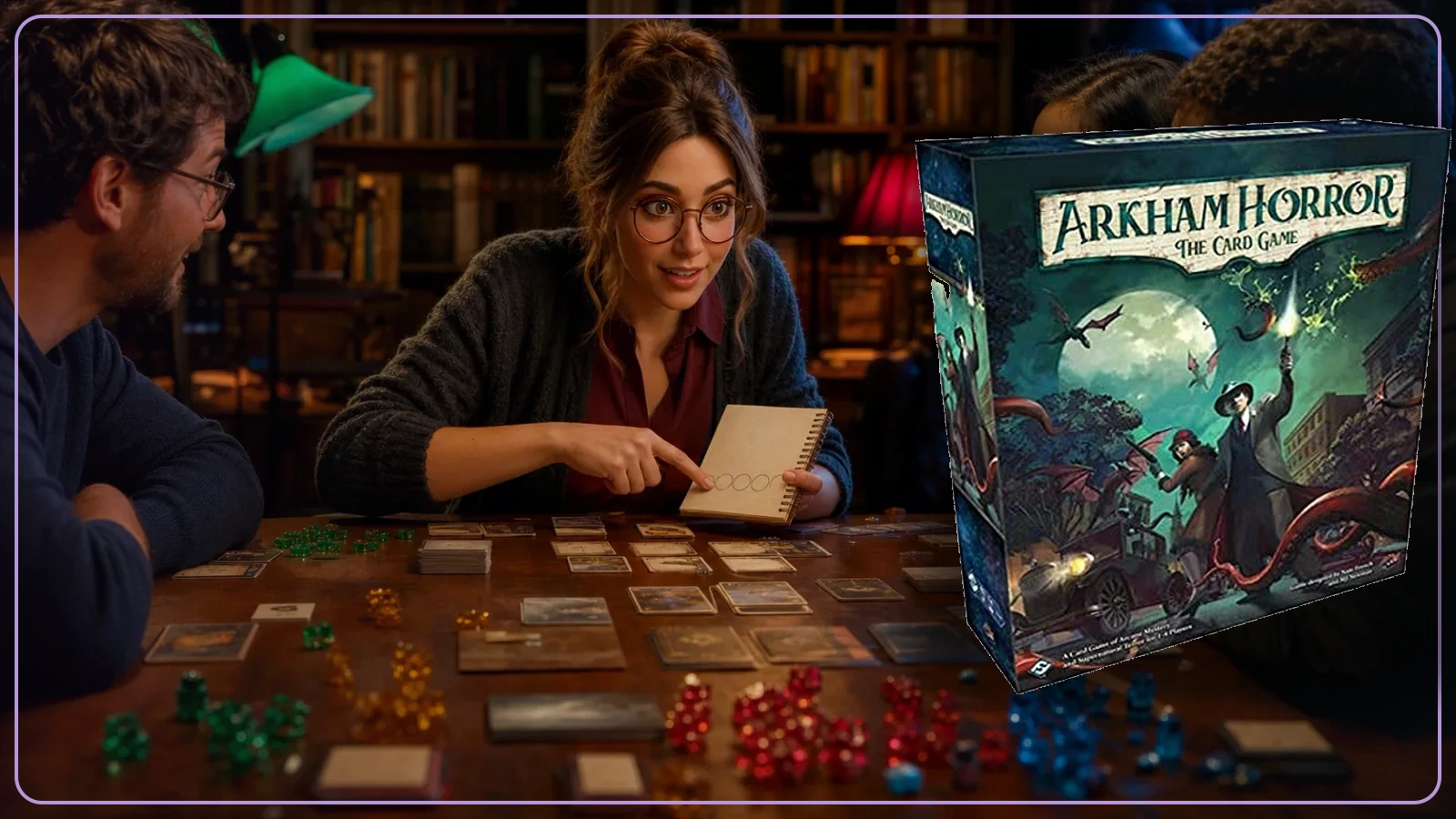
 Arkham Horror: The Card Game Chapter Two Core Set
Buy the current foundation once. Let play tell you whether the next need is a player, a campaign, or simply a better evening.
View exact product on Amazon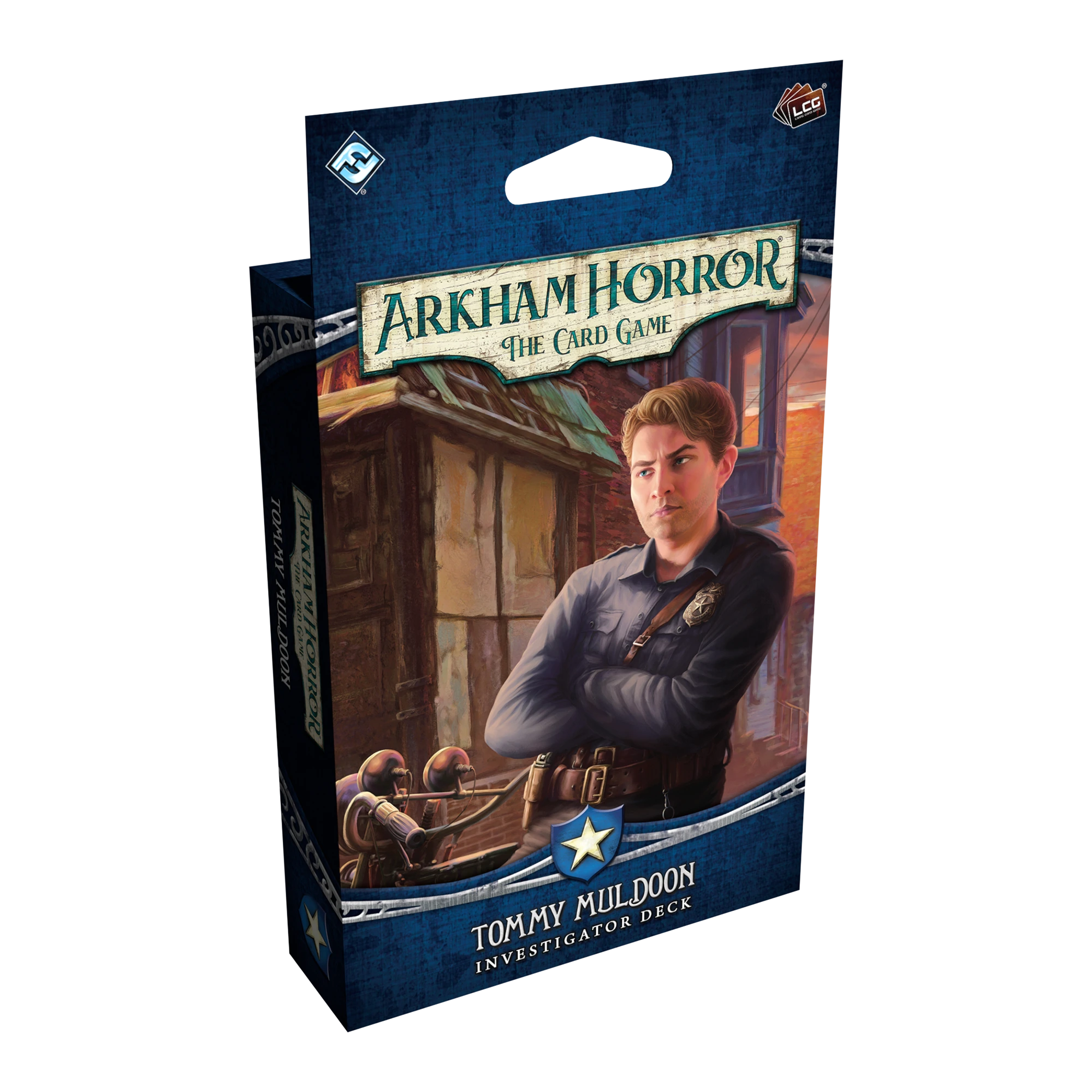 02 · Direct product
 Tommy Muldoon Investigator Deck
Tommy is the clean answer when someone at the table wants to stand between the clues and the teeth.
View exact product on Amazon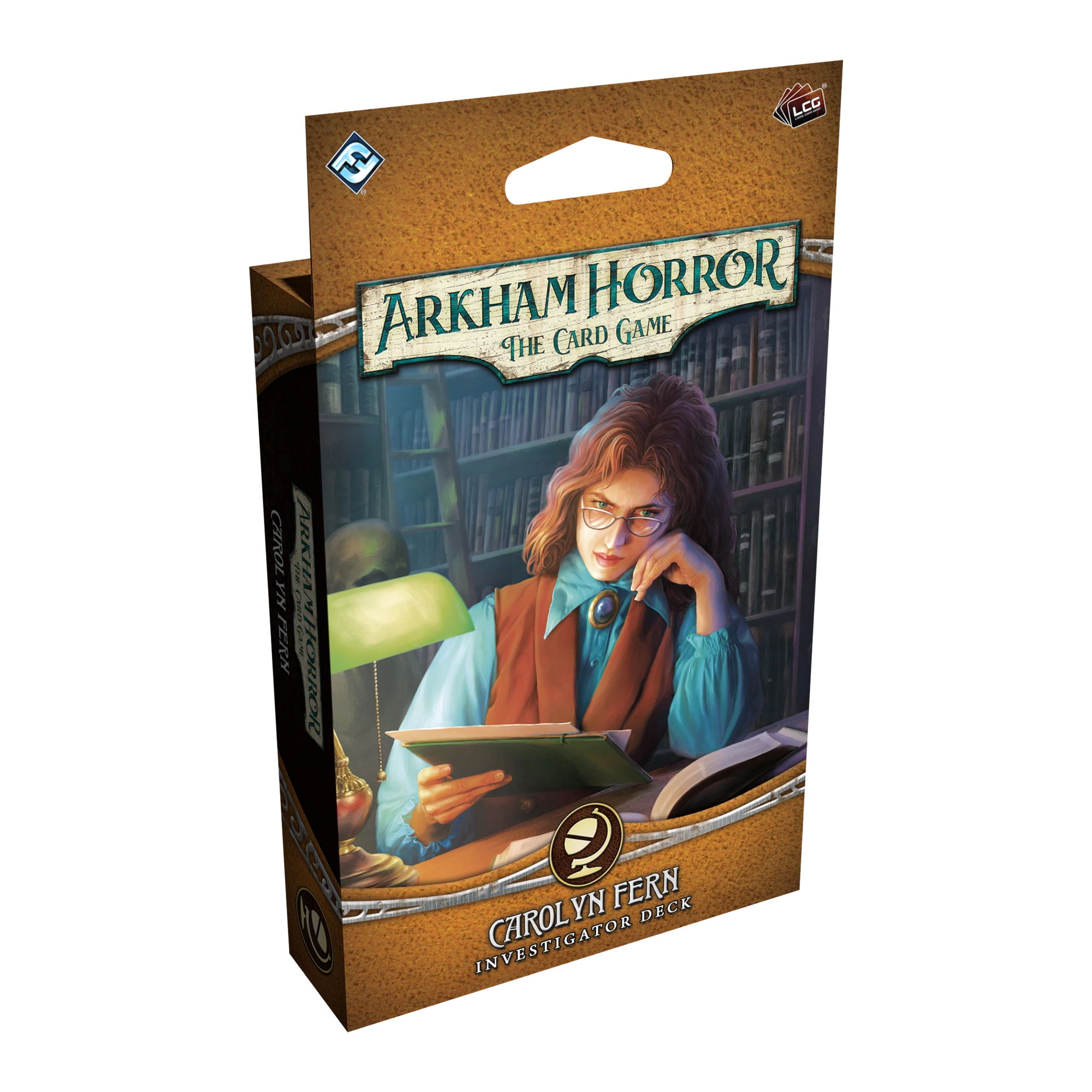 03 · Direct product
 Carolyn Fern Investigator Deck
A ready deck is not less serious. It is how you let a new player meet the story before meeting the spreadsheet.
View exact product on AmazonPuzzlewick field cards
The useful part belongs beside the board.
Foundation
Core introductions
Track the introductory campaign that matches your Core and record only public setup facts. Keep resolutions and hidden text in the campaign log.
- Brethren of Ash: Chapter Two Core
- Night of the Zealot: original or Revised Core
- Record investigator, deck URL, trauma, XP and next setup note
Chapter One
Full campaign shelf
Dunwich, Carcosa, Forgotten Age, Circle Undone, Dream-Eaters, Innsmouth, Edge of the Earth, Scarlet Keys, Hemlock Vale and Drowned City each earn a separate case row.
- Mark campaign and investigator boxes separately
- Old release model requires deluxe plus six Mythos Packs
- Modern repackages split story from player cards
Side cases
Standalone scenario file
Track standalone ownership and whether the group has inserted it into a campaign. Record the insertion cost and earned rewards only in the private notes field.
- Hotel, Blob, Rougarou, Carnevale and other packs
- A standalone can be replayed outside a campaign
- Required Core still applies
Reset ritual
End every session cleanly
Before packing: spend XP or mark it unspent, record trauma and weaknesses, photograph the campaign log, bag scenario cards, and write the first action for next time.
- The future table should not reconstruct tonight
- Keep deck lists versioned
- Never store a campaign decision only in memory
Keep the useful version
Print it, download it, or send it to the table.
The downloaded field note includes your selections and checklist state. Private notes stay in this browser unless you download them.
Fast rulings before the table
Common questions, answered without the forum fog.
Does this replace the official campaign log?
No. The official log controls campaign state. This desk adds a private handoff, deck versions, unresolved rulings, and reset work.
What should be recorded after every scenario?
Resolution, XP, trauma, weaknesses, deck version, chaos-bag changes, next scenario, unresolved rules, and the first setup task for next time.
Is the Campaign Case Log an official publisher tool?
No. It is an independent Puzzlewick planning aid checked against Fantasy Flight: official campaign logs and player resources. When the tool and current publisher material differ, the publisher rulebook, FAQ, errata, or event packet controls.
How current is the Campaign Case Log?
Its evidence date is 2026-08-18. Recheck the linked current authority after a new edition, FAQ, points update, rotation, app update, or event packet.